Tile planning
Tile Calculator
Calculate tile count, tile overage, boxes, and optional cost for a floor or wall area using project dimensions, tile size, and waste factor.
Tile estimate results
- Project area
- 100 sq ft
- Tile area
- 1 sq ft
- Base tile count
- 100
- Boxes to buy
- 10
- Estimated cost
- Not set
Saves in this browser only. Do not save sensitive personal or safety-critical project details.
Material list
- Tiles: 110
- Boxes: 10
Before buying, check
- Tile size, tiles per box, grout spacing, trim pieces, and batch information.
- Diagonal layouts, borders, niches, corners, and cuts around fixtures.
- Extra tile for breakage, layout mistakes, and future matching repairs.
This estimate is usually enough for early tile and box counts. It is not enough for waterproofing, substrate, structural, plumbing, electrical, code, or contractor quote decisions.
Prefilled values are editable planning examples. Use the product label, package coverage, installer instructions, and your measured layout when they differ from the example default.
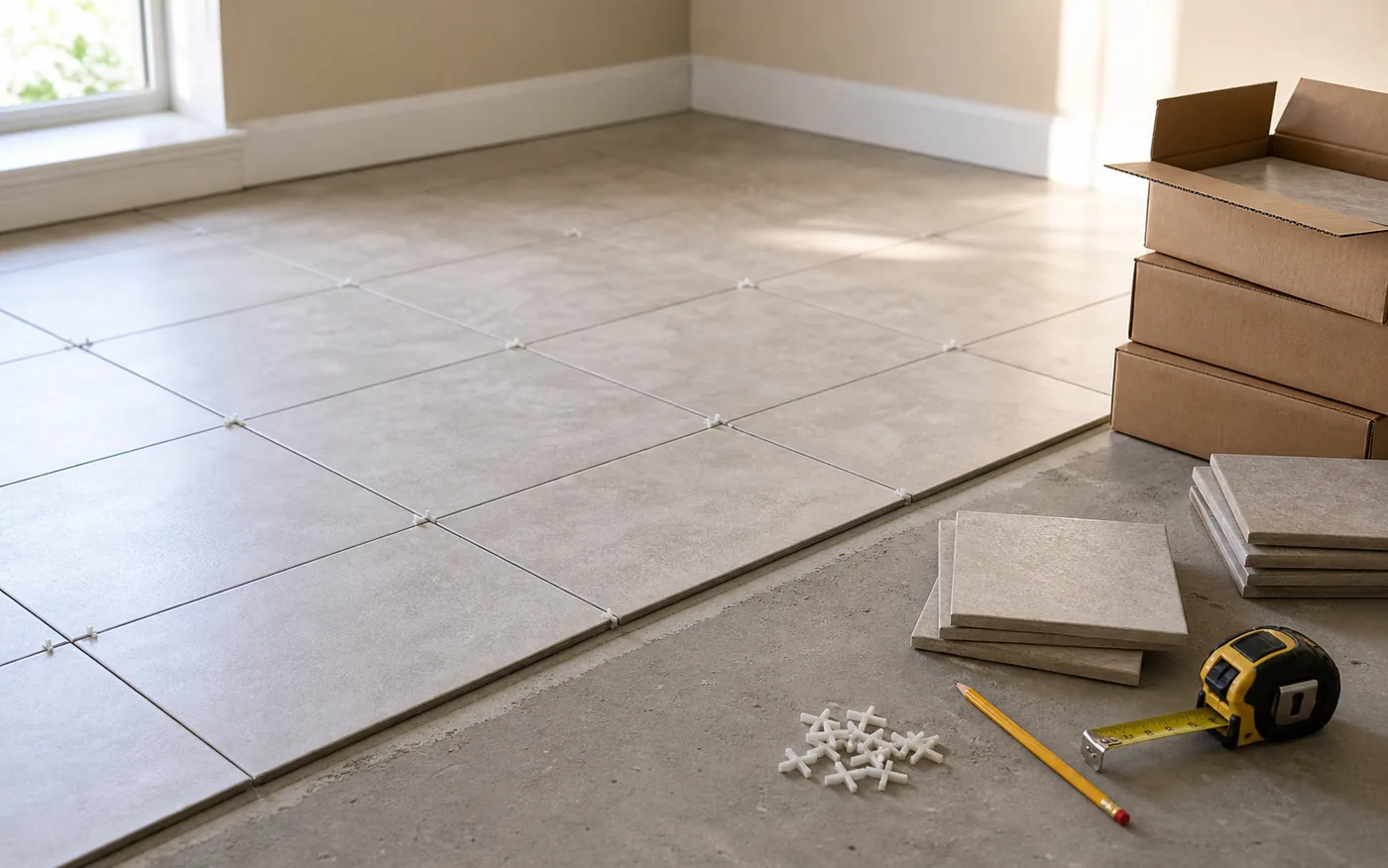
Estimate tiles for a floor or wall
Tile estimates connect a project area to individual tile size, then add waste and round by boxes. The result is a shopping estimate, not a full layout plan.
Calculating tile overage
Tile overage is the extra tile added for cuts, breakage, pattern layout, and future repairs. A 100 tile base estimate with 10% waste becomes 110 tiles before box rounding.
Before you buy tile
Start with the measured project area, then check the exact tile dimensions and tiles per box on the product listing. Tile is usually bought by box, and boxes are rounded up, so the final quantity can be higher than the base tile count.
Keep a few practical details outside the calculator result: layout pattern, grout width, trim pieces, transition edges, waterproofing, substrate preparation, and spare tiles for future repairs. Those choices can affect what you buy even when the square footage is correct.
Tile calculation formula
Project area = Project length x Project width
Tile area = Tile length x Tile width
Base tile count = Project area / Tile area
Tiles with waste = Base tile count x (1 + Waste factor)
Boxes needed = Rounded tiles / Tiles per box, rounded up
How tile waste factor works
Waste factor helps cover cuts, breakage, layout pattern, and future repair pieces. Diagonal, herringbone, and other complex layouts can need more allowance than a simple straight grid.
Straight layouts in simple rectangles usually need fewer cuts than diagonal layouts, niches, borders, or small wall sections. If the tile is special order, discontinued, or likely to vary by batch, keep spare repair pieces in mind before trimming the estimate.
Example calculation
A 10 ft x 10 ft area is 100 sq ft. With 12 in x 12 in tiles, the base count is 100 tiles. With 10% extra, the estimate becomes 110 tiles. If boxes contain 12 tiles, buy 10 boxes.
If the project uses 6 in x 24 in tiles instead, each tile covers 1 sq ft as well, but the layout can create different cuts around edges and doorways. That is why the tile count and the practical waste factor should be reviewed together.
Tile planning checklist
- Measure the exact floor or wall section that will receive tile.
- Check tile size and tiles per box from the product page or package.
- Choose a waste factor that matches layout complexity and repair needs.
- Confirm whether trim, edging, grout, spacers, and underlayment are separate items.
- Use the visual preview as a quantity aid, not as a cut layout drawing.
Common tile estimating mistakes
- Not adding waste for cuts, breakage, and future repairs.
- Forgetting that boxes are rounded up.
- Using nominal tile size without checking the product page or package.
- Ignoring diagonal or patterned layouts that can increase cuts.
- Treating the preview grid as an exact layout plan.
Tile calculator FAQ
How do I calculate how many tiles I need?
Calculate the project area, divide by one tile's area, apply a waste factor, and round up to whole tiles and boxes.
How much extra tile should I buy?
A waste factor helps cover cuts, breakage, layout pattern, and future repairs. Complex or diagonal layouts may need more planning allowance.
Should I include grout gaps?
This calculator focuses on tile size and area. Grout spacing can affect detailed layout, so product and installer guidance still matter.
Can I use this for wall tile?
Yes, enter the wall section length and width as the project area. Waterproofing, structural, and code-related work are outside this calculator.
Does tile pattern change waste?
Yes. Diagonal, herringbone, and complex layouts can need more cuts and more extra tile than a simple straight layout.
Should I buy the exact number of tiles from the estimate?
Use the estimate as a planning quantity, then confirm box count, pattern, breakage allowance, batch matching, and spare repair tiles before buying.
Related calculators and guides
Calculation transparency
Method & Sources
This section documents the calculation boundary, arithmetic, rounding, and editable planning presets used by the Tile Calculator.
What it calculates
- Calculates rectangular project area, one tile's area, base tile count, tile count after waste, whole boxes, and optional box cost.
- Accepts separate project and tile units, converting them to a common area basis before division.
What it does not calculate
- It does not create a tile layout, count pattern-specific cuts, choose grout spacing, or calculate grout, mortar, backer board, trim, or waterproofing.
- It does not evaluate substrate condition, structural loading, wet-area assemblies, code, or installer requirements.
Formula
- Base tiles = project area / one tile area; tiles with waste = base tiles x (1 + waste factor / 100).
- Tiles to buy = ceiling(tiles with waste); boxes to buy = ceiling(tiles to buy / tiles per box).
Rounding rules
- Area and comparison values display to two decimals. Tile count rounds up to a whole tile, then box count rounds up again to a whole box; cost uses whole boxes.
Why the defaults are planning presets
- The sample tile size, tiles per box, and 10% waste are planning presets. Use the exact tile dimensions, carton count, layout, and installer allowance for final purchasing.
Sources to check
- Measurement Assumptions & Unit Conversion HomeMeasureKit's shared policy for units, precision, waste factors, package rounding, and estimate limits.
- Tile Waste Factor Guide Layout-specific planning presets and the limits of generic waste factors.
- Selected tile carton and installation instructions Primary project source for nominal or actual size, pieces per box, batch details, and installation requirements.