Interior measurement
Room Size & Area Calculator
Calculate room size in square feet or square meters from length and width, then use the result for flooring, tile, rugs, paint planning, or a simple floor plan area estimate.
Estimate results
- Area
- 120 sq ft
- Metric area
- 11.15 sq m
- Perimeter
- 44 ft
- Material planning area
- 120 sq ft
Saves in this browser only. Do not save sensitive personal or safety-critical project details.
Visible assumptions
- Room shape is treated as a rectangle.
- Length and width use the same unit.
- Waste factor changes only the material planning area.
Prefilled values are editable planning examples. Use the product label, package coverage, installer instructions, and your measured layout when they differ from the example default.
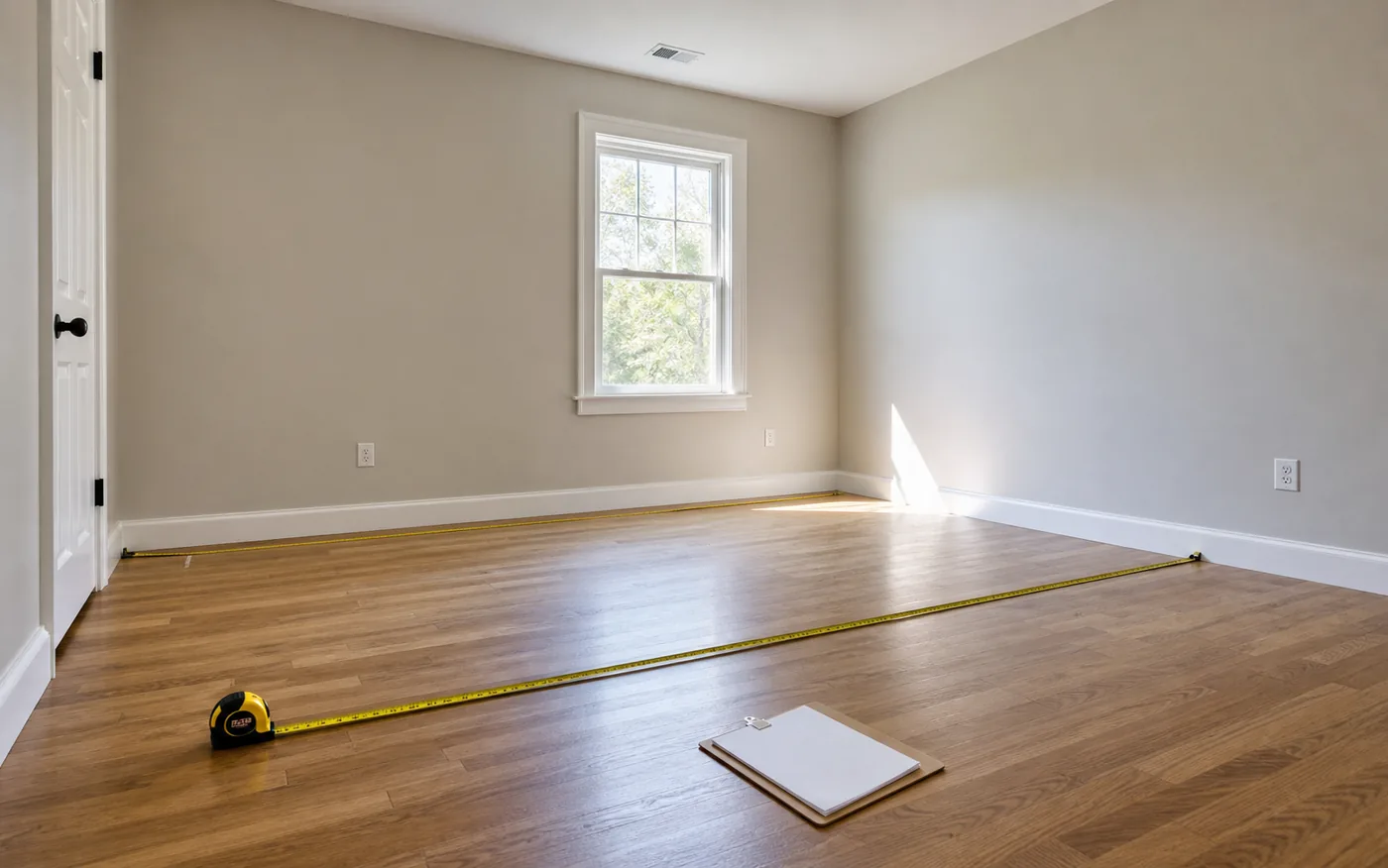
How this calculator works
Enter the room length and width using one unit system. The calculator converts those dimensions into feet and meters, then estimates floor area and perimeter. The optional waste factor is applied only to the material planning area.
Room dimensions calculator: length x width
Room dimensions are the measured length and width. The calculator turns those room measurements into square feet, square meters, perimeter, and optional planning area with waste. Keep the raw length and width available when comparing rugs, furniture zones, flooring packages, or paint wall estimates.
Floor plan area calculator for simple rooms
Use the length and width fields above for a simple rectangular floor plan. A 12 ft by 10 ft room is 120 sq ft, which is about 11.15 m2. Split an irregular floor plan into smaller rectangles and add their areas.
How to calculate an L-shaped room
Split an L-shaped room into two or more rectangles. Measure each section, calculate length x width for each rectangle, then add the section areas together. This keeps the estimate easier to review than forcing one oversized rectangle around the entire shape.
Room area vs wall area
Room area is the floor footprint. Wall area uses room perimeter, wall height, doors, windows, and other openings. Use room area for flooring, tile, rugs, and floor plan comparisons. Use the Wall Area Calculator or Paint Calculator when the project depends on vertical wall surfaces.
When to use square feet, square meters, or room dimensions
Use square feet or square meters when a product lists coverage by area. Keep room dimensions when planning furniture, rugs, walking clearance, or a simple floor plan. Product labels may use a different unit, so check the unit before comparing estimates.
When to use room area
Room area is the right starting point when a project is based on the floor footprint: flooring, tile, rug sizing, room comparisons, and general material planning. It is less complete for wall projects because paint, wallpaper, and drywall also need wall height, openings, coats, sheet size, or roll coverage.
If the room connects to a closet, hallway, bay window, or alcove that will receive the same material, measure that area separately and add it before applying waste. If the connected area uses a different product, keep it as a separate estimate.
Room area formula
Area = Length x Width
Perimeter = 2 x (Length + Width)
Square feet are converted to square meters using 1 square foot = 0.09290304 square meters.
Example calculation
For a 12 ft by 10 ft room, the area is 120 sq ft. That is about 11.15 sq m. The perimeter is 44 ft, or about 13.41 m.
If the same room has a 3 ft by 4 ft closet with matching flooring, add 12 sq ft before waste. The planning area becomes 132 sq ft before any flooring, tile, or rug-specific allowance is applied.
Before you use the result
- Confirm whether package coverage is listed in square feet or square meters.
- Add closets, alcoves, and connected spaces only when the same material continues.
- Apply the waste factor in the material-specific calculator when cuts matter.
- Use wall area instead when the project is paint, wallpaper, or wall covering.
- Save or copy the estimate before comparing products with different coverage.
Measuring tips
- Use a tape measure or laser measure with the same unit throughout the room.
- Measure along the floor, not across furniture or rugs.
- Use the longest straight wall-to-wall measurement for each side.
- Round measurements only after recording the raw value.
- For L-shaped rooms, split the room into smaller rectangles.
- Keep closet, alcove, and hallway areas separate if materials differ.
Common room measuring mistakes
- Mixing feet, inches, meters, and centimeters in one calculation.
- Measuring furniture placement instead of the actual wall-to-wall room size.
- Ignoring closets, bay areas, alcoves, or small connected sections.
- Rounding every measurement too early, which can compound the final estimate.
Room area calculator FAQ
How do I calculate floor plan area?
Measure each rectangular section of the room, multiply length by width, then add the sections together. For a simple rectangular room, floor plan area is length x width.
Is room size the same as square footage?
Room size often means the length and width of a room, while square footage is the calculated area. A 12 ft x 10 ft room is 120 sq ft.
How do I calculate room square footage?
Measure the room length and width in feet, then multiply length by width. A 12 ft by 10 ft room is 120 sq ft.
How do I convert square feet to square meters?
Multiply square feet by 0.09290304. For example, 120 sq ft is about 11.15 sq m.
Should I include closets?
Include closets or alcoves when the same material will cover them. Keep them separate when flooring, paint, or trim choices differ.
Can this calculator handle irregular rooms?
This version treats the room as a rectangle. For L-shaped or irregular rooms, split the space into rectangles and add the areas together.
Can I use this for flooring?
Yes, the area result is a useful starting point for flooring, but flooring projects usually need a waste factor for cuts and layout direction.
Can I use this for paint?
Room floor area helps describe room size, but paint estimates usually need wall area, wall height, coats, doors, and windows.
What should I do before buying materials from this result?
Use the result as a planning number, then check product coverage, package sizes, waste factor, closets, and connected spaces before buying.
Related calculators and guides
Calculation transparency
Method & Sources
This section documents the calculation boundary, arithmetic, rounding, and editable planning presets used by the Room Area Calculator.
What it calculates
- Calculates the floor area and perimeter of one rectangular room from the entered length and width.
- Also shows an optional material-planning area after applying the user-entered waste percentage, with square-foot and square-meter results.
What it does not calculate
- It does not automatically split L-shaped rooms, include closets or connected spaces, or decide which surfaces belong in a project.
- It does not convert area into flooring boxes, tile pieces, paint, or other product quantities because package coverage and installation conditions are separate inputs.
Formula
- Floor area = length x width. Perimeter = 2 x (length + width).
- Material-planning area = floor area x (1 + waste factor / 100).
Rounding rules
- Length conversion and arithmetic are completed before display values are rounded to two decimals. No package quantity is rounded on this page.
Why the defaults are planning presets
- The prefilled 12 ft x 10 ft rectangle and 0% waste are editable planning presets, not typical-room claims or purchasing advice.
Sources to check
- Measurement Assumptions & Unit Conversion HomeMeasureKit's shared policy for units, precision, waste factors, package rounding, and estimate limits.
- NIST SI conversion factors Reference definitions used for inch, foot, meter, and derived area conversions.
- How to Measure a Room Room-splitting and field-measurement guidance for irregular layouts.